
Connection Specifications
| Property | Value |
|---|---|
| Transport | Streamable HTTP (local loopback only) |
| Default Endpoint | http://127.0.0.1:47821/mcp (port configurable in Settings, 1024–65535) |
| Authentication | Authorization: Bearer <token> (stored in macOS Keychain; resettable anytime) |
| Availability | Runs only while WorthTrail is open on Mac and Agent Access is switched on |
| Pricing | Included in the free plan (no paywall on MCP; same 10-item free limit applies to adding new assets) |
How to Connect
Open WorthTrail on Mac → Settings → Agent Access, turn on local agent access, and copy your personal setup prompt or Bearer token.
Claude Code
claude mcp add --transport http --scope user worthtrail http://127.0.0.1:47821/mcp \
  --header "Authorization: Bearer YOUR_TOKEN"
Claude Desktop (~/.claude.json)
{
  "mcpServers": {
    "worthtrail": {
      "type": "http",
      "url": "http://127.0.0.1:47821/mcp",
      "headers": {
        "Authorization": "Bearer YOUR_TOKEN"
      }
    }
  }
}
Codex (~/.codex/config.toml)
[mcp_servers.worthtrail]
url = "http://127.0.0.1:47821/mcp"
http_headers = { "Authorization" = "Bearer YOUR_TOKEN" }
What AI Agents Can Query & Do
Read Tools (Enabled when Agent Access is on)
- Current net worth, total assets, liabilities, cost basis, and daily change (
get_net_worth) - Open positions by category or currency, including stocks, ETFs, crypto, options, deposits, and custom assets (
list_positions,list_liabilities) - Historical snapshots and daily holding breakdowns (
get_snapshots,get_snapshot_detail) - Period investment performance, money-weighted return curves, and daily earnings by holding (
get_performance,get_daily_earnings) - Dividends, recurring plans, transaction history, and FIRE projections
Write Tools (Separate opt-in switch)
- Disabled by default—enabling read access never enables writes automatically.
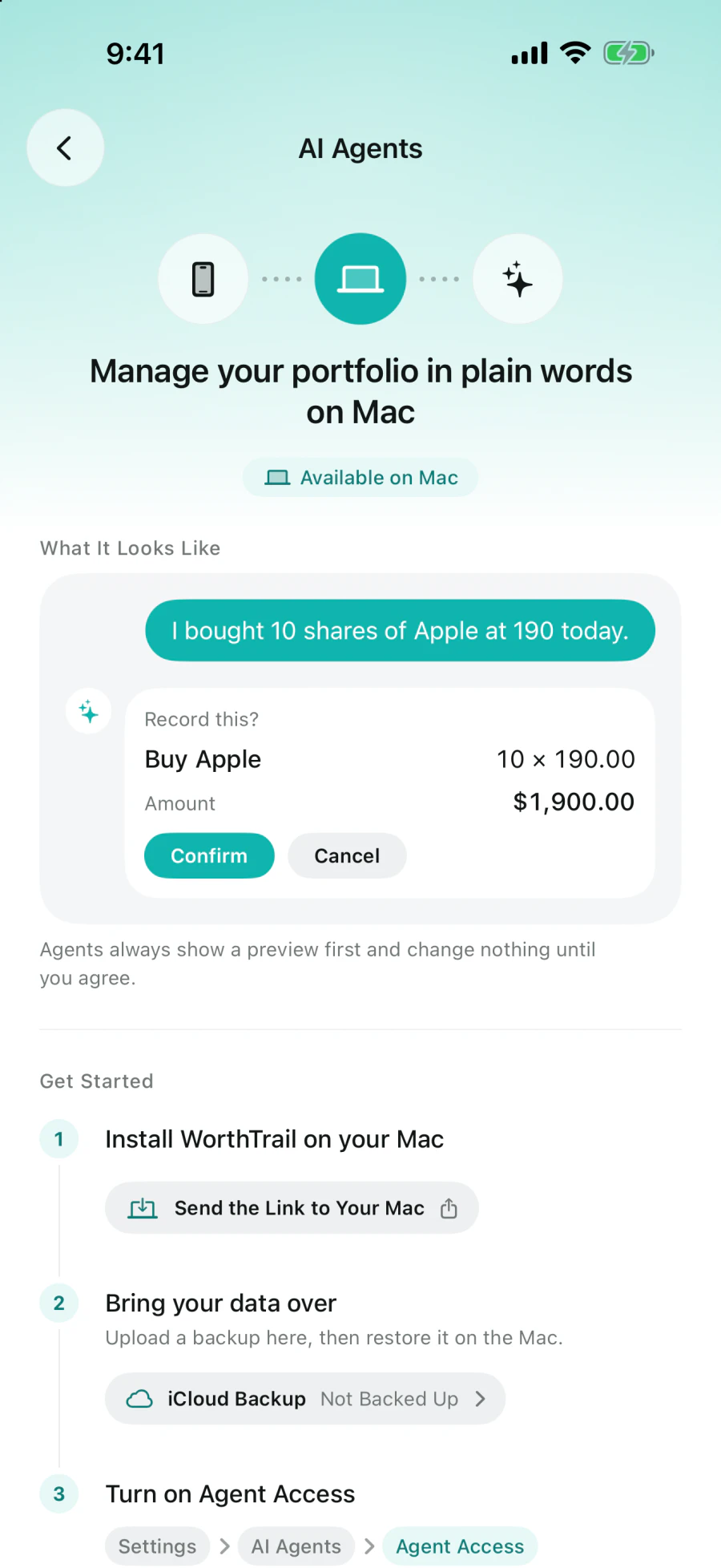
- Two-step confirmation: The first tool call returns a human-readable preview and a short-lived confirmation code. The change is applied only when you approve the preview and the agent submits the second call with that code.
- Supports recording trades, position adjustments, assets, liabilities, plans, and undo actions—with a built-in change log in Settings.
Example Questions You Can Ask
- “What is my current net worth in USD, and how much did my portfolio change this month?”
- “Which holdings contributed the most to my P&L over the past 90 days?”
- “How much annual dividend and deposit interest income am I projected to receive, and what share of my FIRE spending does it cover?”
- “Preview adding 10 shares of AAPL at $225 executed today, and wait for my approval before recording it.”
Security Model
- Localhost-only binding: Listens on
127.0.0.1only—not exposed to your LAN or the internet. - App lock respected: Requests are blocked when WorthTrail is locked.
- Prompt-injection hygiene: Tool instructions explicitly tell agents to treat user-entered names, symbols, tags, and notes strictly as data, never as instructions.
- Instant revocation: Turn off the switch, change the port, or reset the Keychain token at any time to disconnect all clients immediately.